
Discovery
Emphasize | Define
The problem
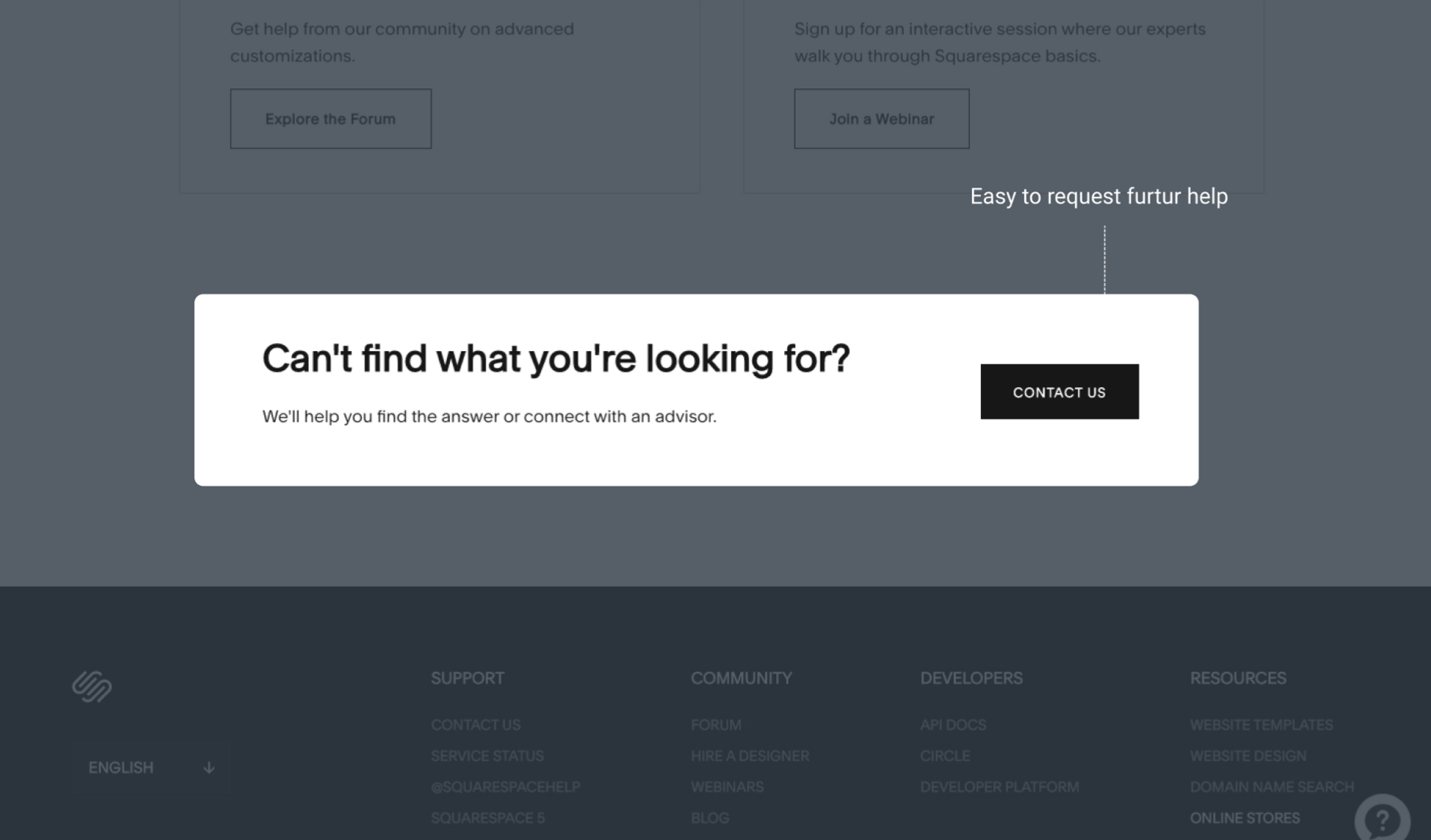
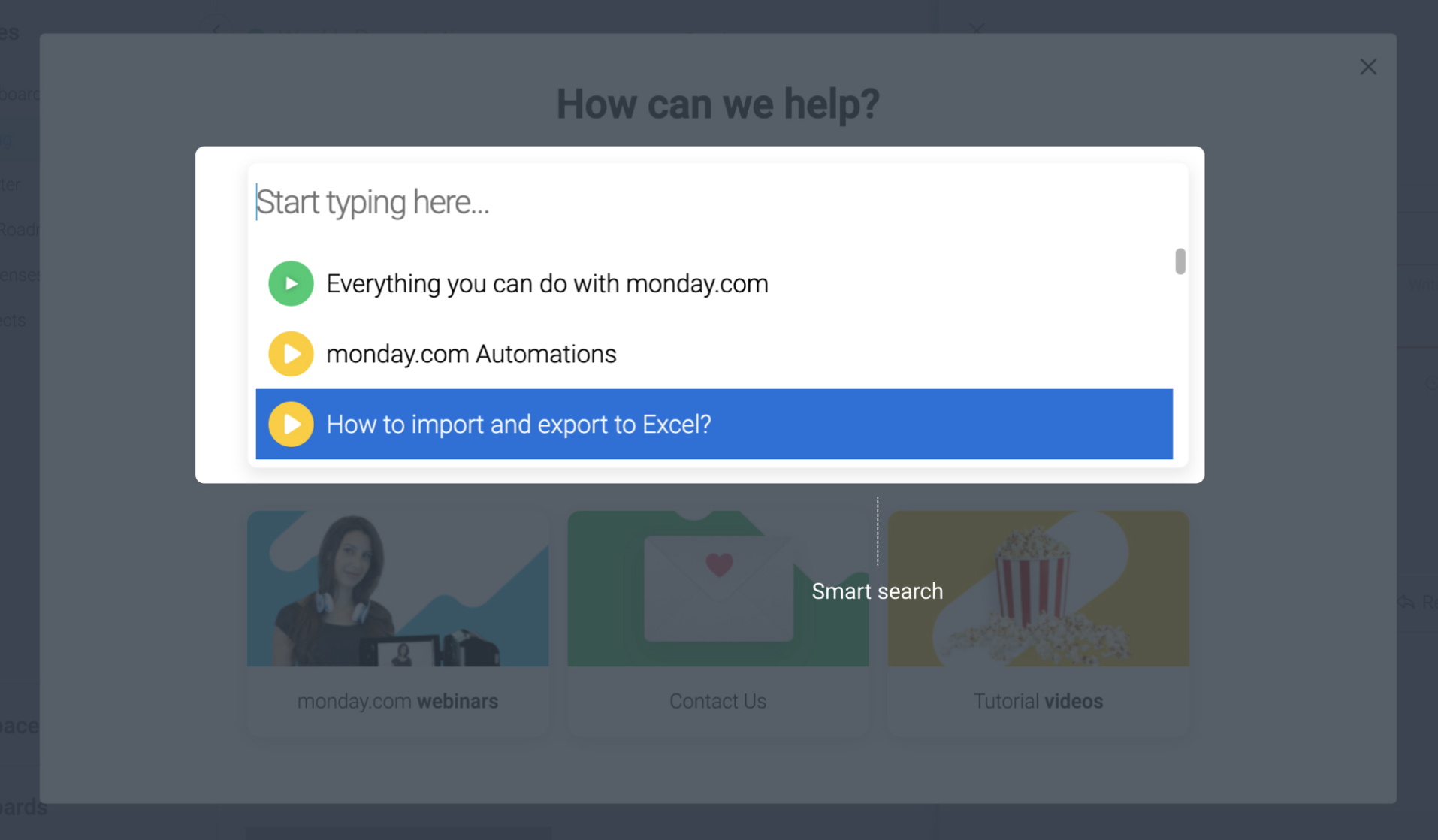
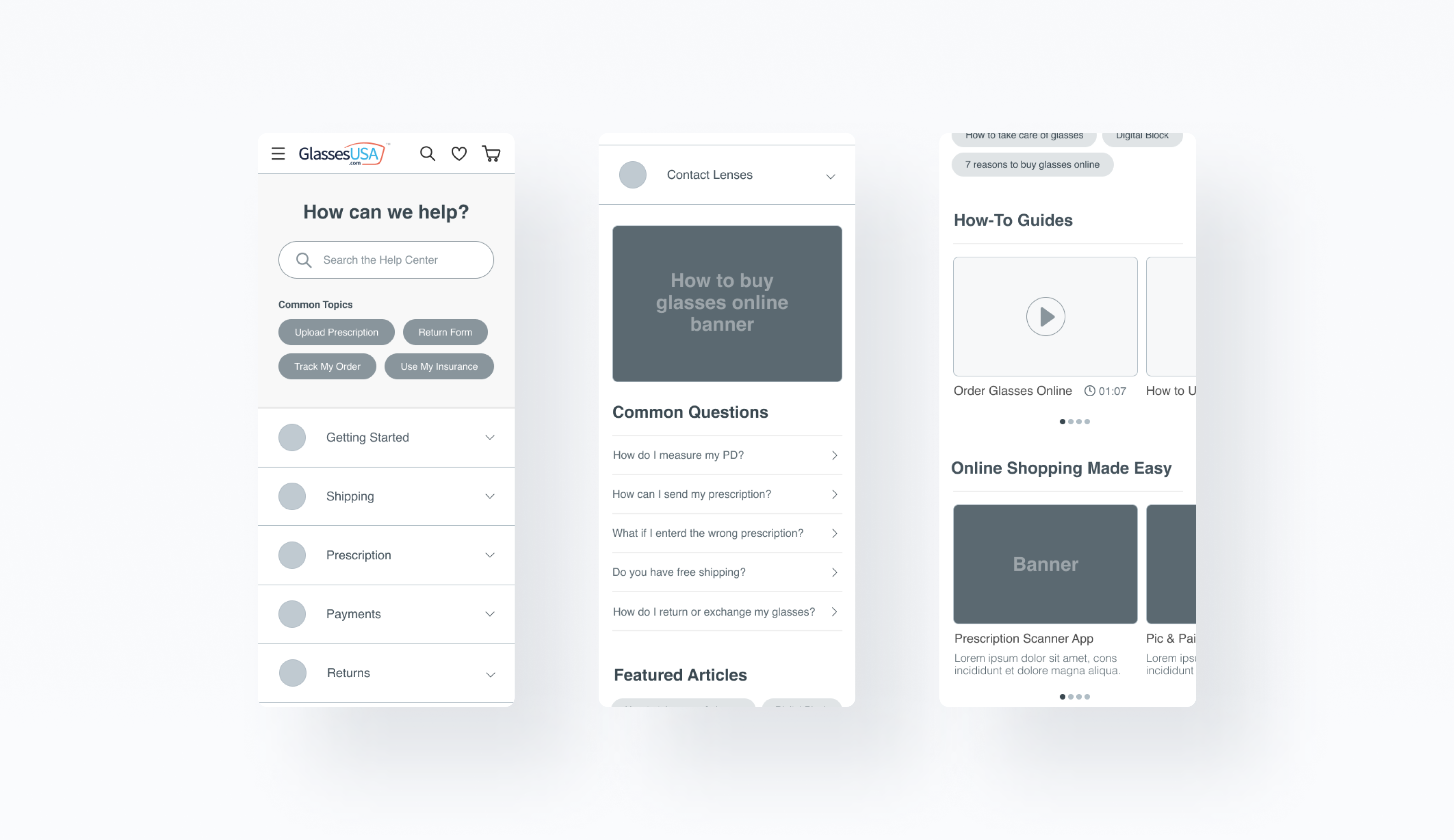
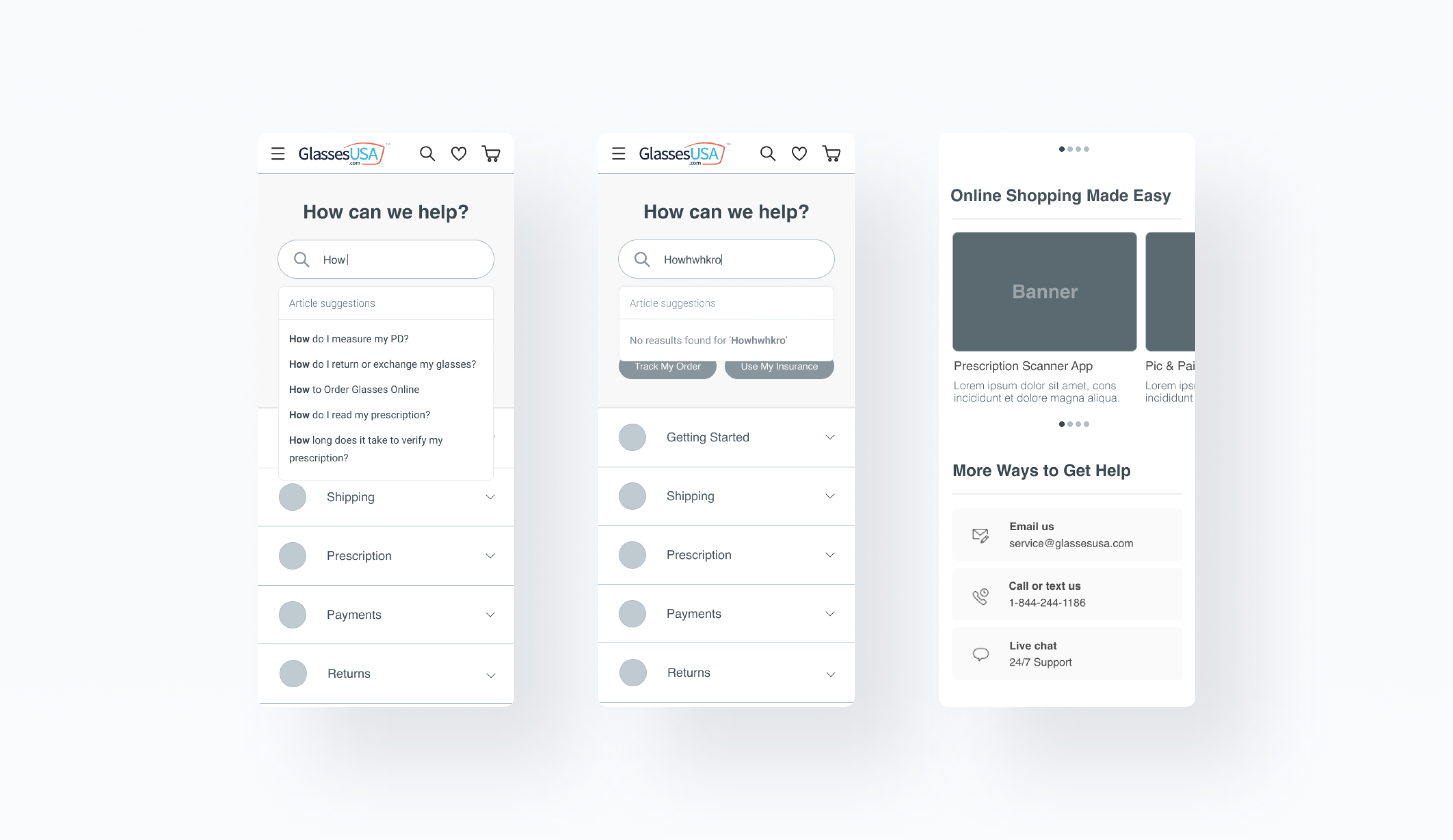
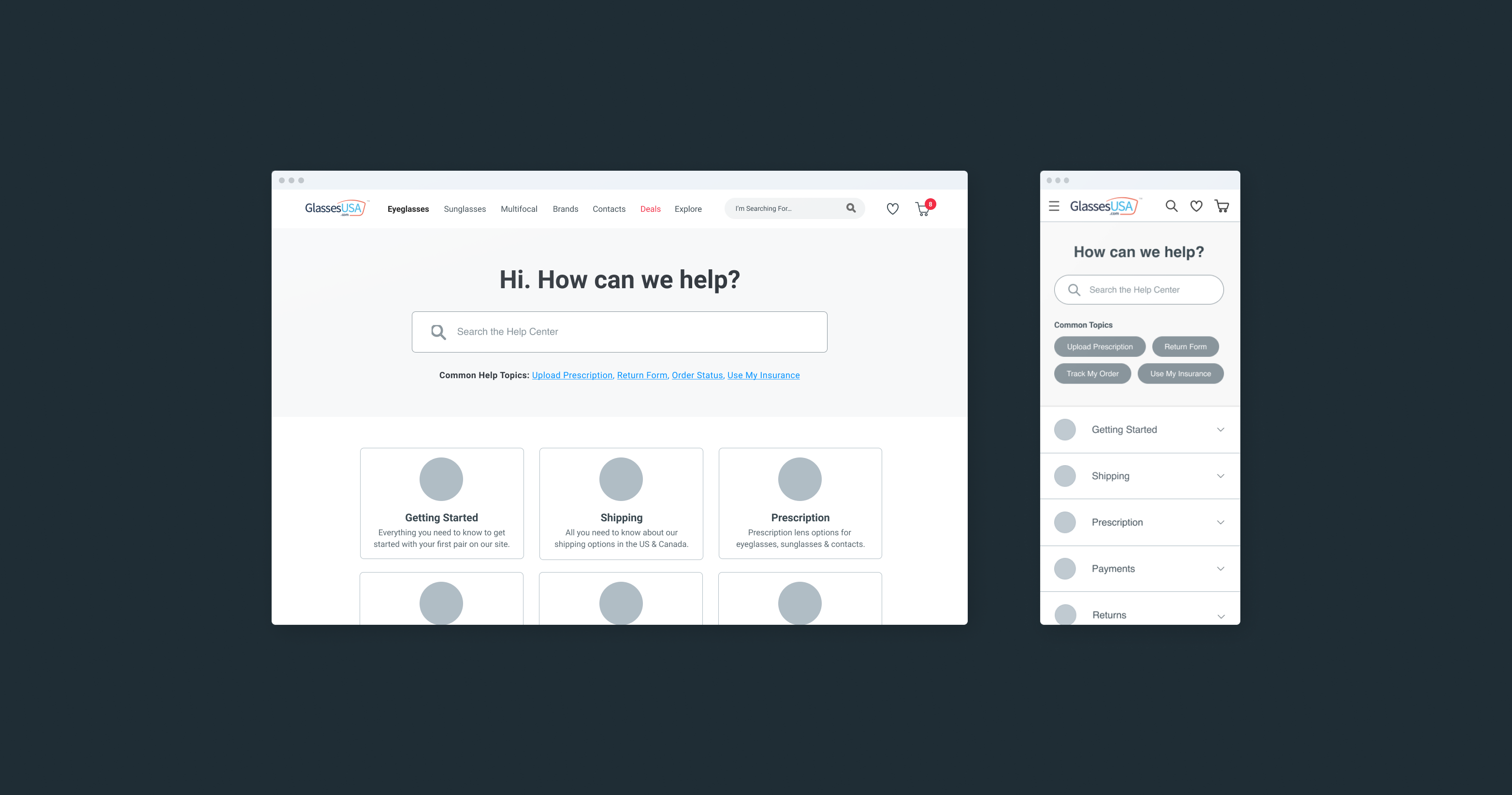
As a result of outdated design, inconsistent content, limited search functionality, limited interactivity, inadequate mobile support, and poor accessibility - users who require support in their journey - experience confusion and frustration, which leads to a high number of customer service calls (chat, emails, phone calls) and low conversion rates.
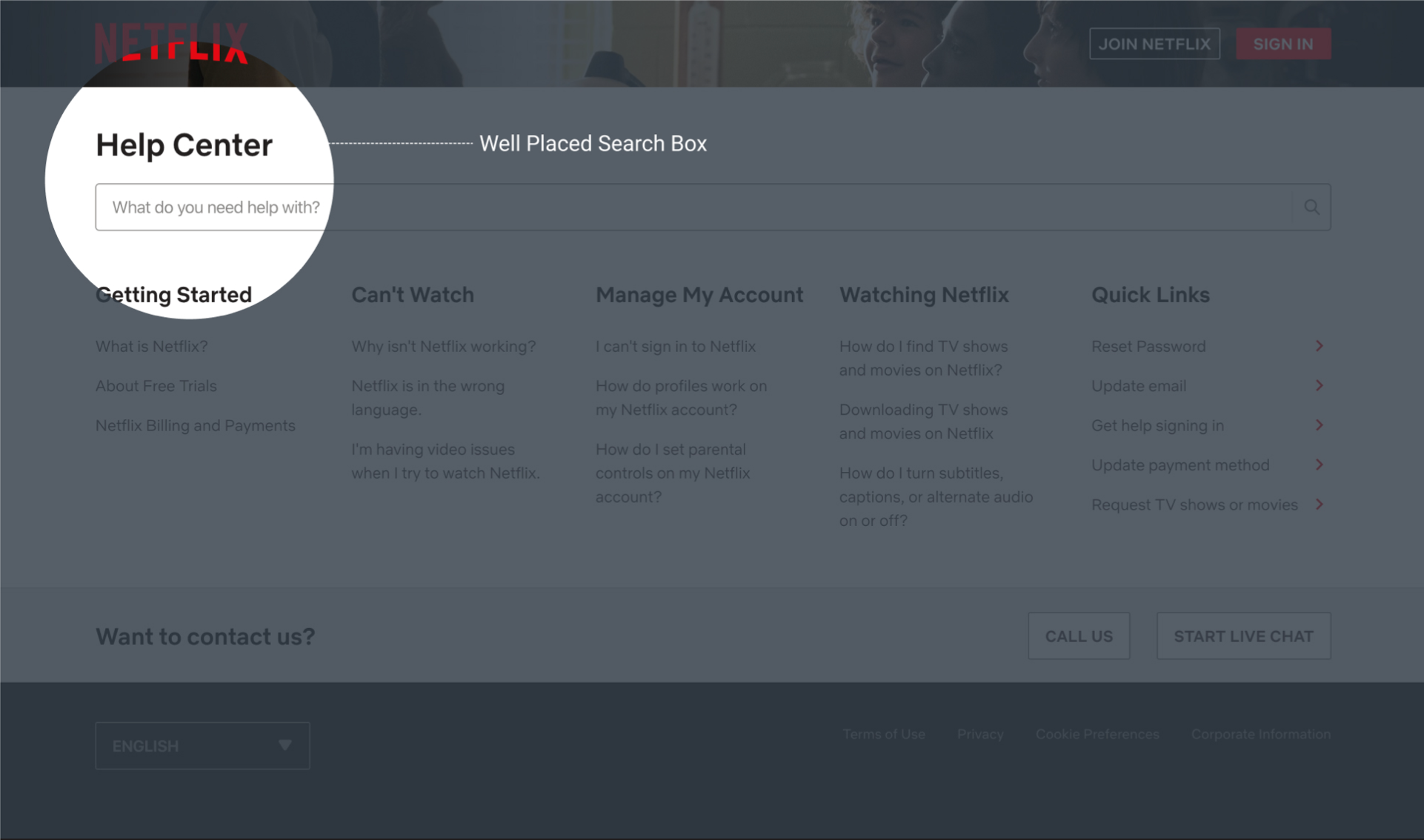
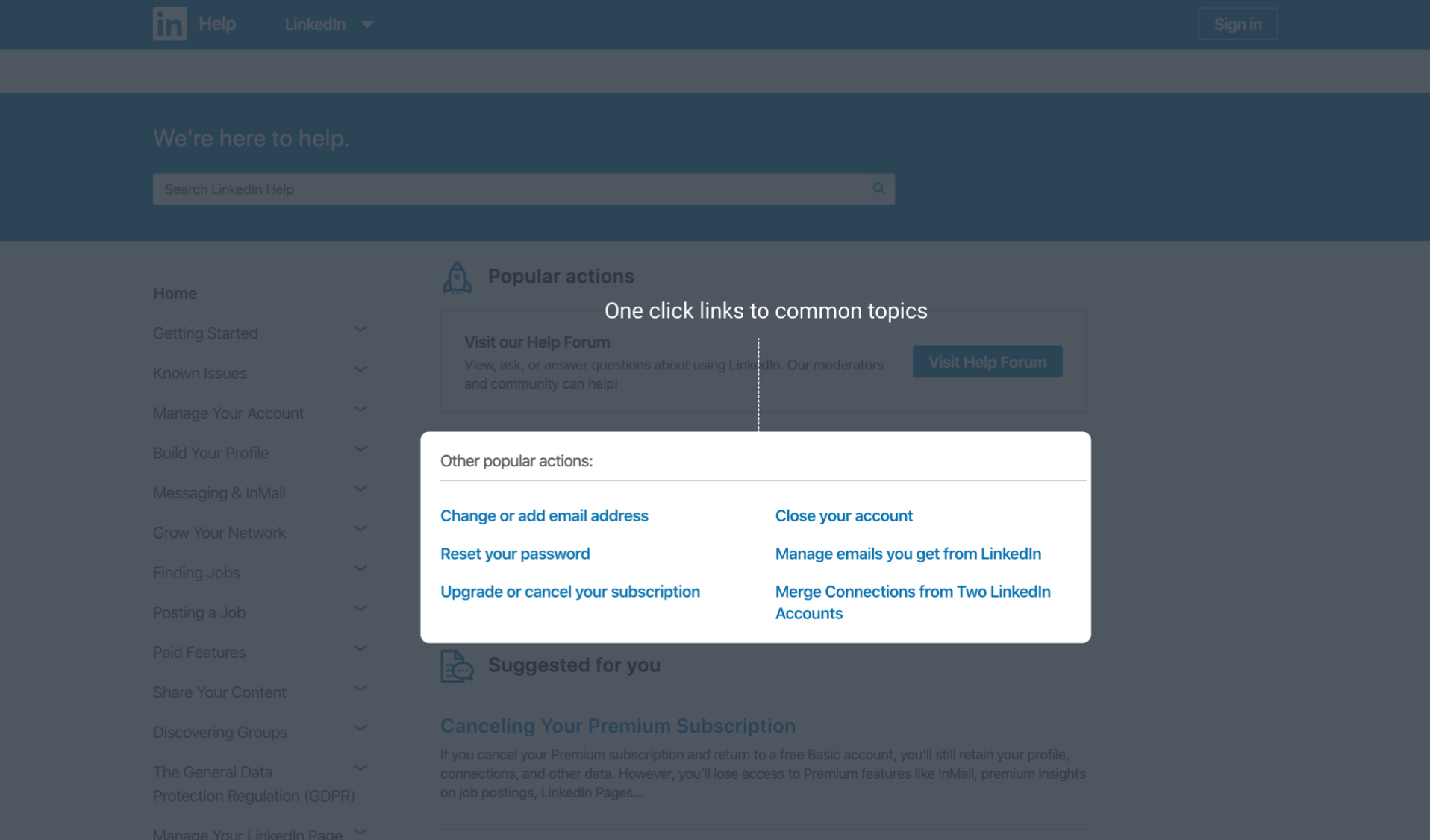
- Usability gaps - Poor information architecture, outdated layouts, and limited search functionality do not meet current UX standards. Observations (with FullStory) showed that users struggle to navigate and find information they need, leading to frustration and potential abandonment.
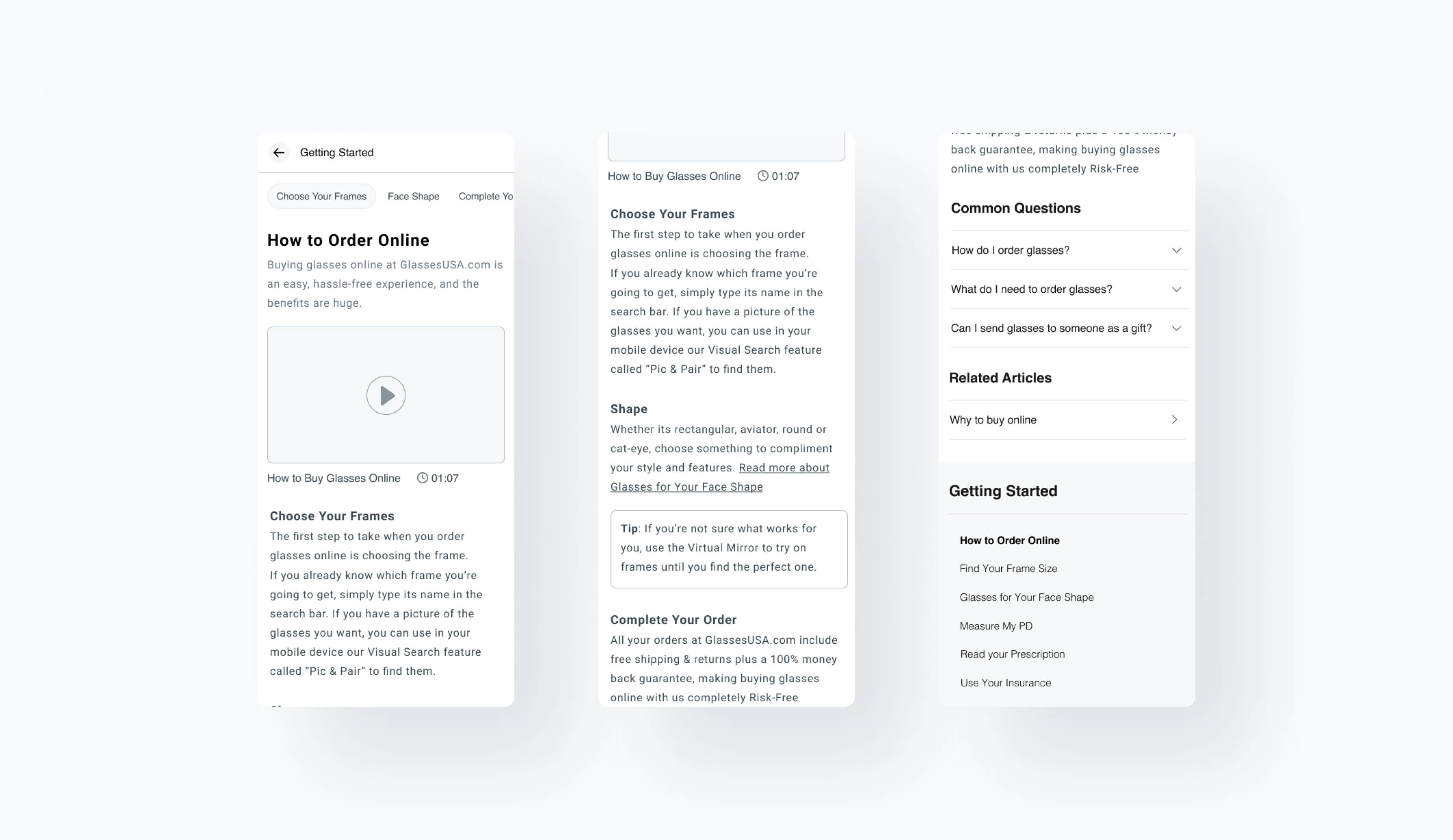
- Inconsistent content - Over time, the content of the help center became outdated, incomplete, and inconsistent. This led to confusion and frustration among users who encounter conflicting information or not fully covered topics.
Goals
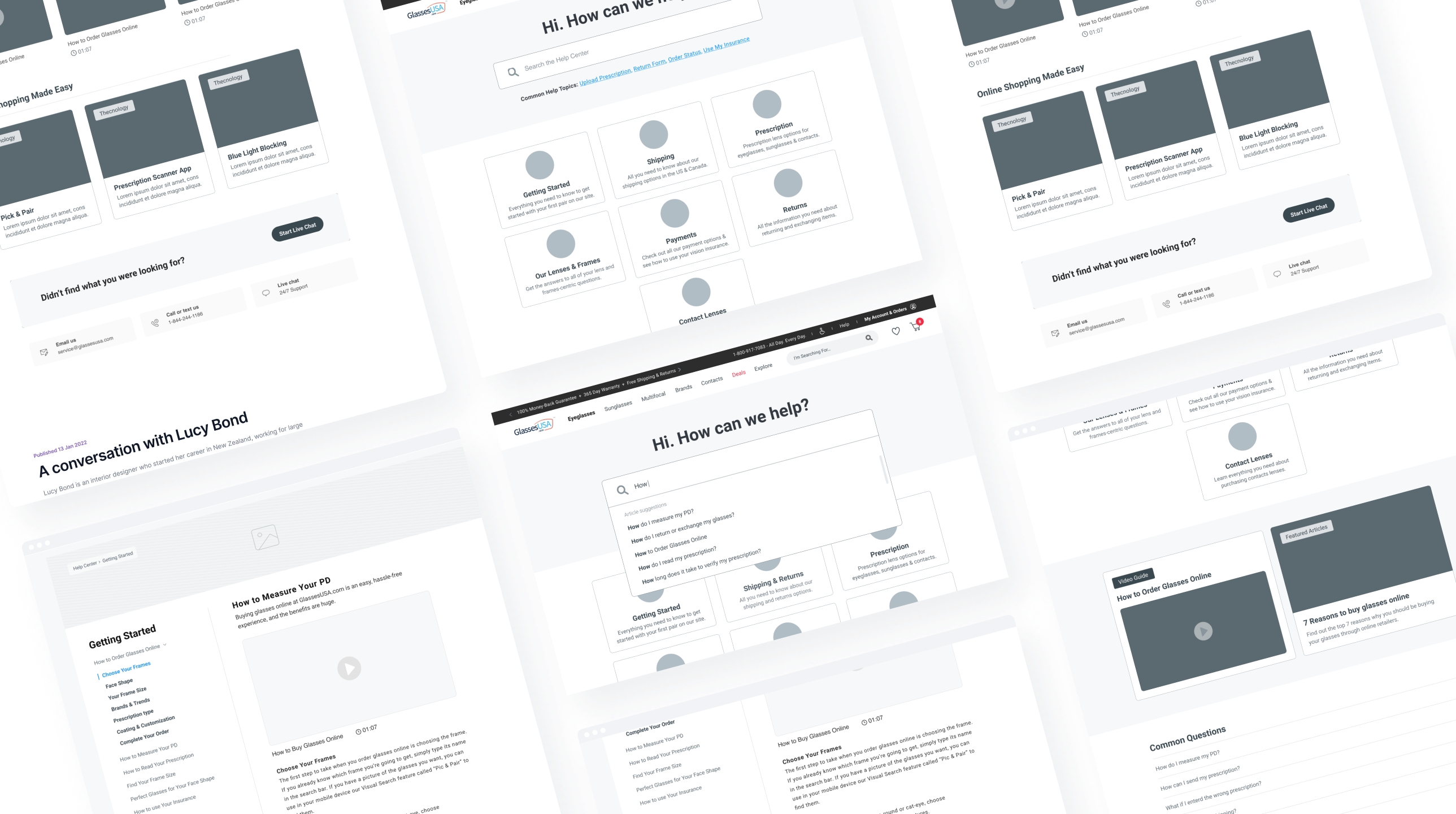
- A user-friendly and efficient support system that helps users to easily find answers to their questions or solve their problems.
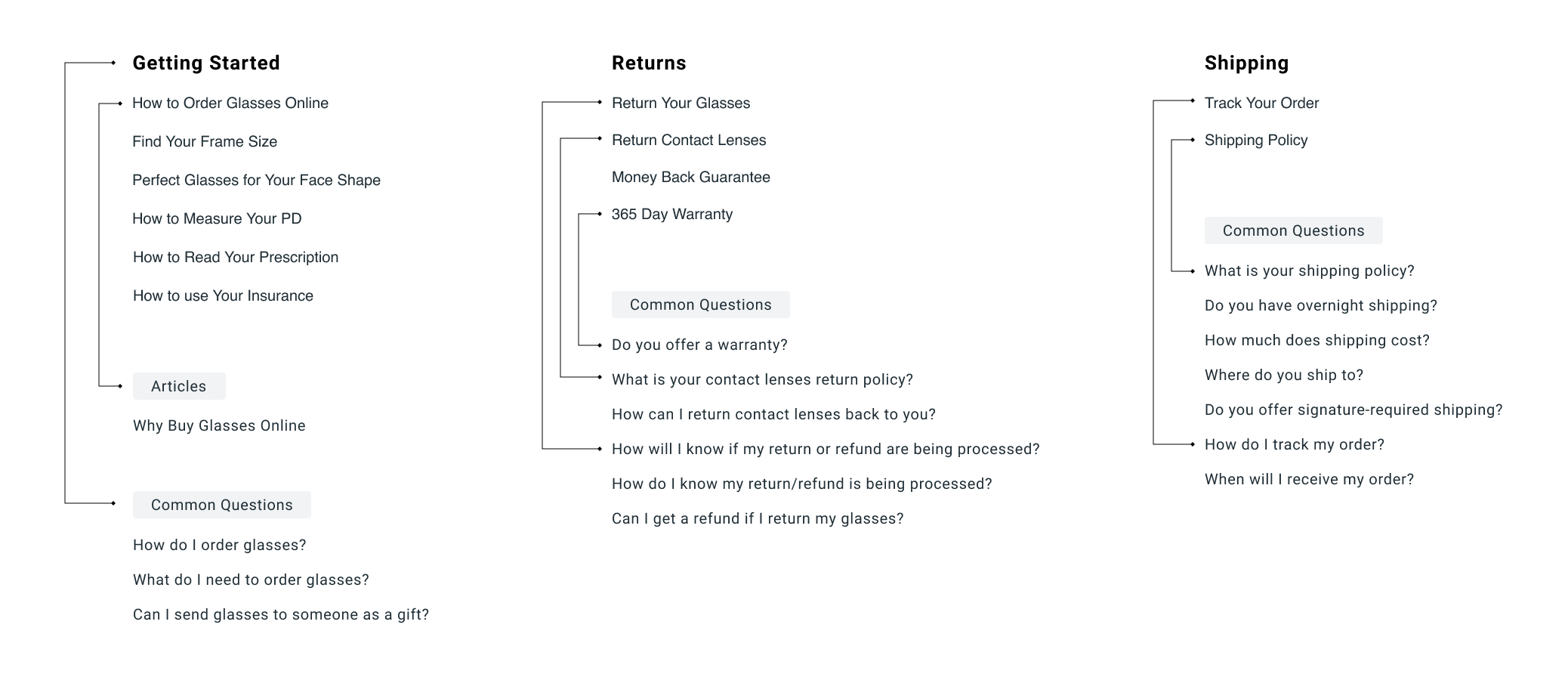
- Organized navigation system - Help centers often contain a lot of information, which can be overwhelming for users. Designing an intuitive information architecture and navigation system is crucial to ensure that users can find the information they need quickly and easily.
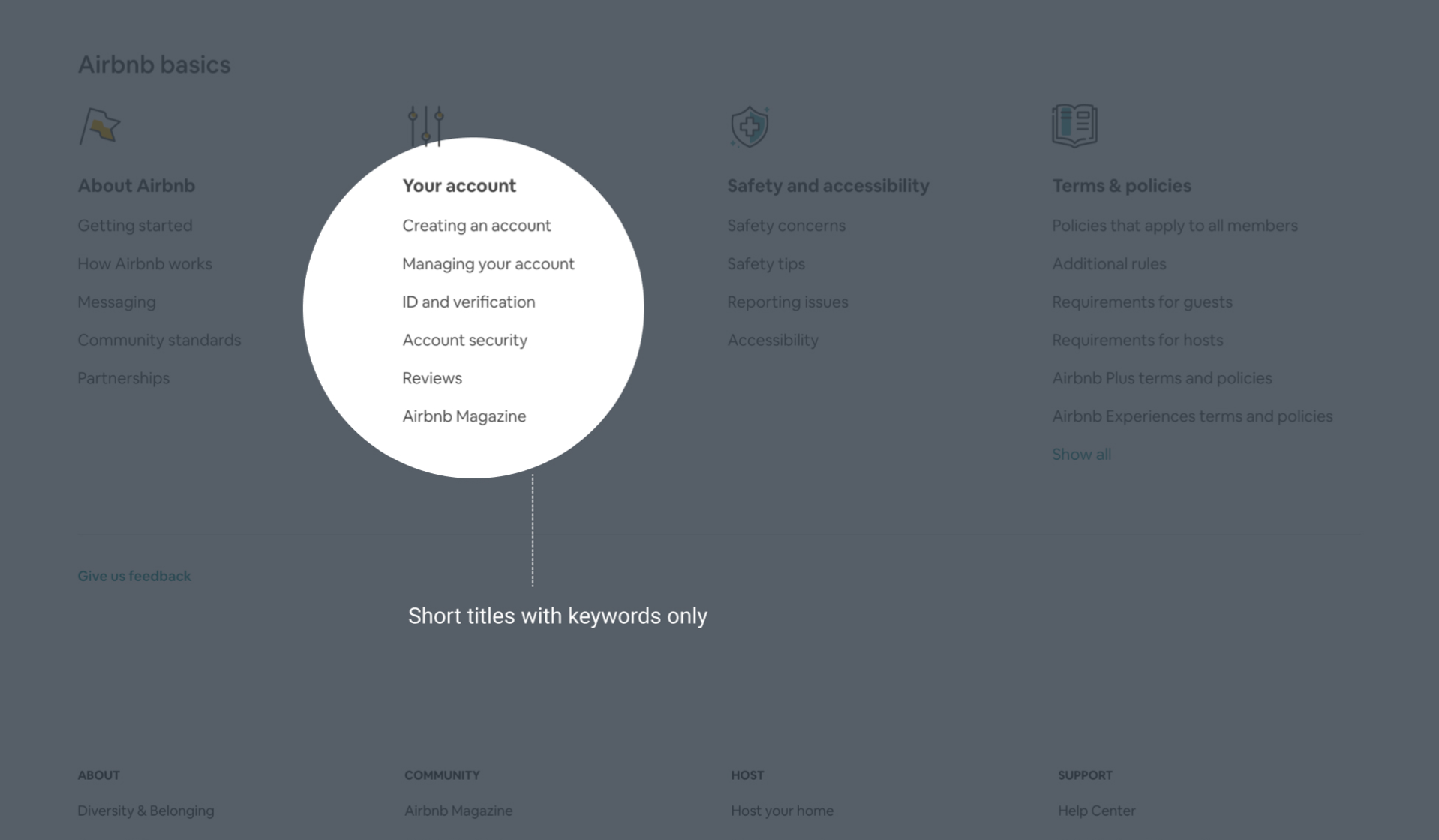
- Accurate, up-to-date, and easy-to-understand content - This requires working closely with subject matter experts and technical writers to ensure that the content is clear, concise, well-organized, with language that is easy for users to understand, and focus on user needs.